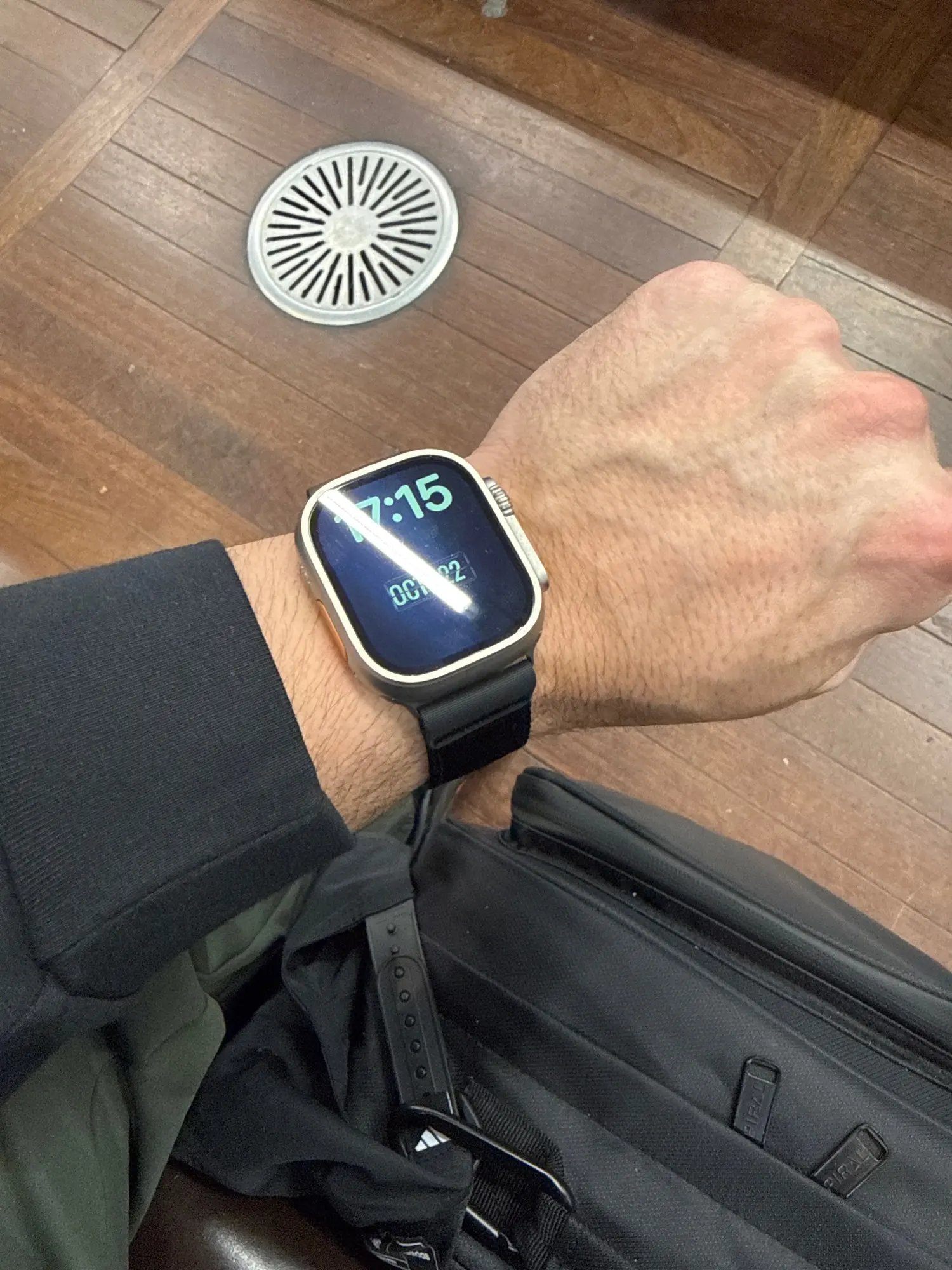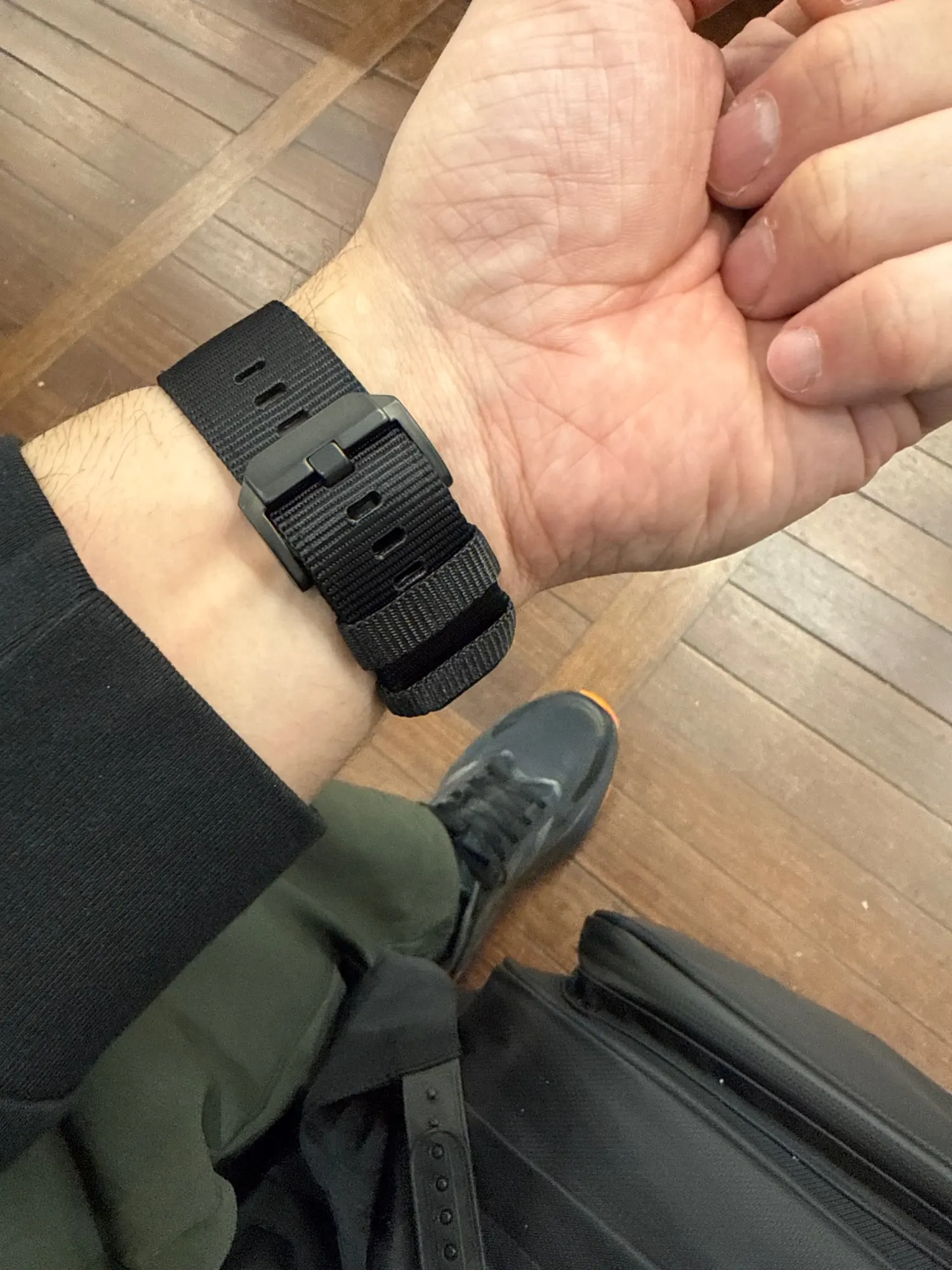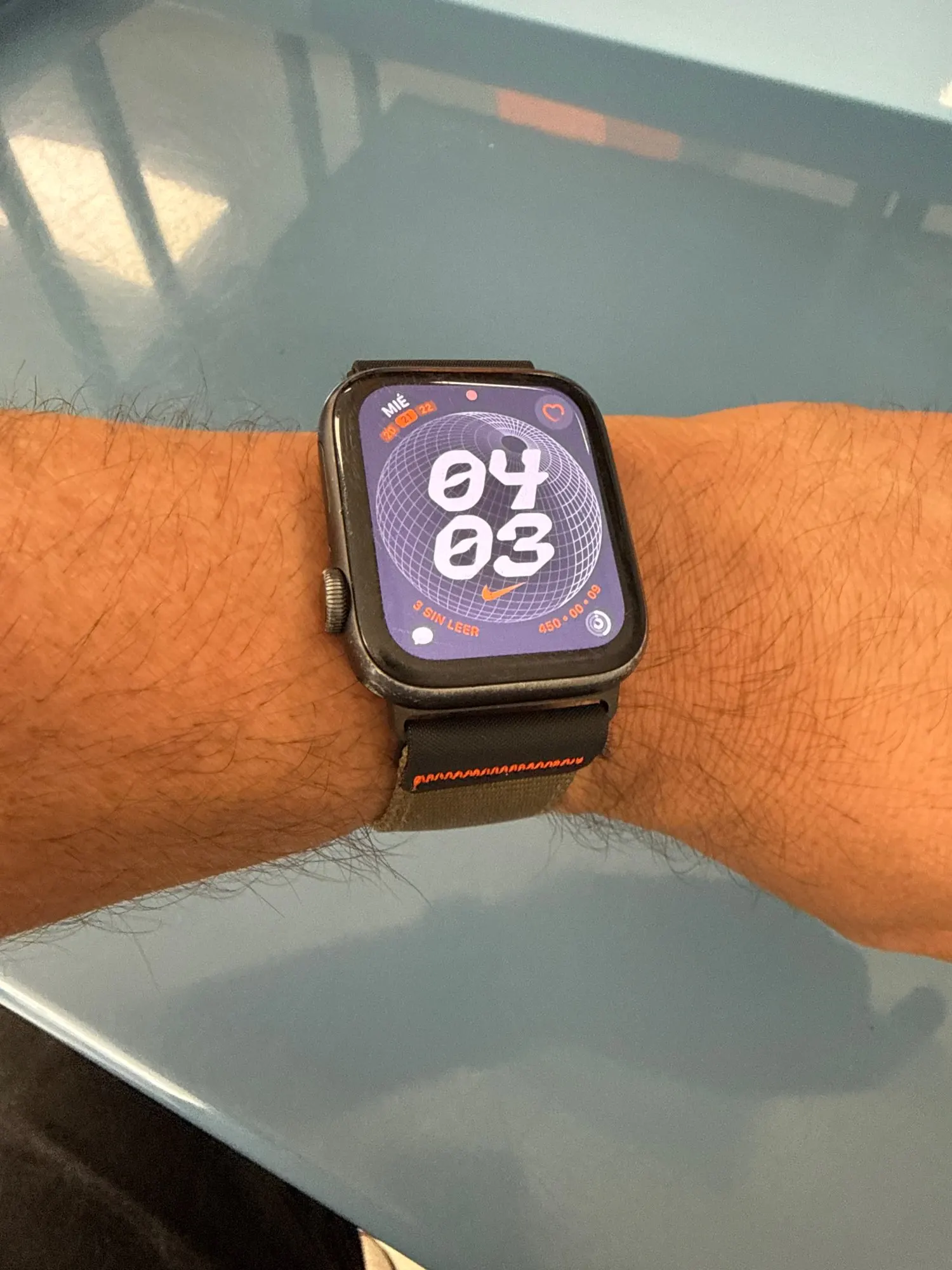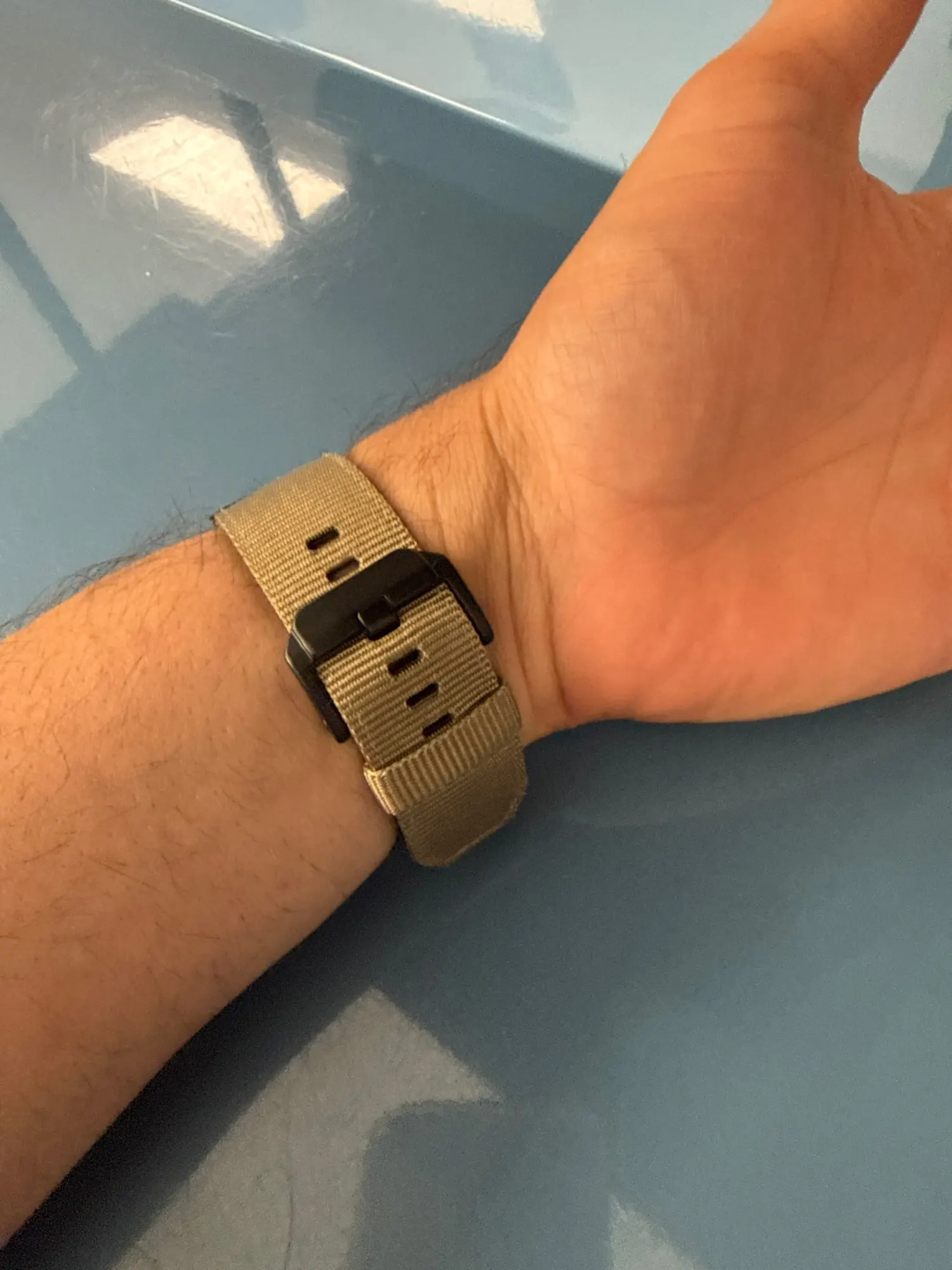

Can Apple Watch Bands Be Resized? Complete 2026 Fit & Sizing Guide
Can Apple Watch Bands Be Resized? The Complete Fit & Adjustment Guide
Yes — almost every Apple Watch band can be resized. Here is exactly how to do it for metal, leather, silicone, loop and jewelry straps, plus the 10 best adjustable bands to get a perfect fit today.
Can Apple Watch bands be resized? Yes. Most Apple Watch bands are designed to be resized or adjusted to fit your wrist. Metal link bracelets resize by adding or removing links with a small pin tool (usually included). Leather and silicone straps adjust through buckle holes with no tools at all. Solo Loops and stretchy elastic bands come in fixed stretch sizes, so you "resize" by choosing the right size. Braided Solo Loops, Sport Loops and Alpine Loops adjust infinitely with hook-and-loop or a slider. In short: if your band feels too big or too small, you can almost always fix it in a few minutes at home.
What you'll learn
- Can you actually resize a band?
- The 4 ways bands adjust
- Resize a metal link band (step-by-step)
- How to adjust a band without a tool
- Series notes: 3, 7, 8, 9, SE, Ultra 3
- Apple Watch band size chart (mm)
- How to put on & change a band
- Resize or buy a new size?
- Top 10 adjustable & resizable bands
- Shop by collection
- Care, dos & don'ts
- FAQ
So, can Apple Watch bands really be resized?
It's one of the most searched Apple Watch questions for a reason: you buy a beautiful band, slide it on, and it's either swimming on your wrist or pinching your skin. The good news is that the vast majority of Apple Watch bands are built to be resized or adjusted — the method just depends on the material and closure style.

Unlike a traditional watch that needs a jeweler and a workshop full of tools, the Apple Watch was designed around swappable, wearer-friendly bands. Some resize with a simple push-pin tool that ships in the box. Others adjust with nothing more than your fingers. And a few (like Solo Loops and stretchy bands) aren't "resized" at all — instead you choose the correct size once, and they stretch to slip on and off.
The one thing to understand up front: "resizing" means different things for different bands. A stainless steel bracelet is physically shortened by removing links. A leather strap is adjusted by moving the buckle pin to a different hole. A braided loop tightens with a slider. Once you know which category your band falls into, the process becomes quick and stress-free. If you're still deciding what to buy, our guide to the best adjustable Apple Watch bands for women & men is a great companion read.
The 4 ways an Apple Watch band adjusts
Before you touch a tool, identify which of these four families your band belongs to. Tap each to expand the details.

1 · Removable-link bracelets (metal, titanium, stainless steel)
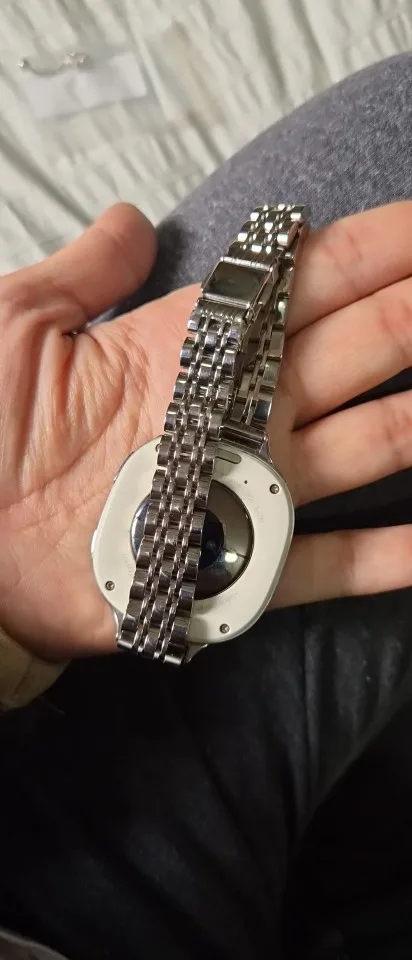
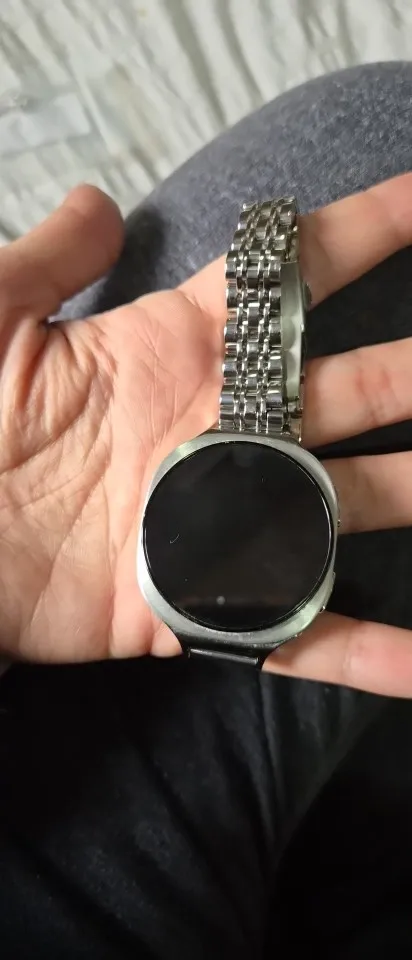
Link-style bracelets — like stainless steel and titanium bands — are resized by removing or adding individual links. Each link is held by a small push-pin. Using the included link-adjustment tool, you push the pins out, slide off the extra links, and reconnect. Most bracelets include 5–6 removable links, giving a generous range from small to large wrists.
Best for: A precise, permanent, tailored fit. Tool needed: Yes (usually included).
2 · Buckle & pin straps (leather, silicone sport, breathable)
These work exactly like a classic wristwatch. There's a row of holes and a pin buckle — move the pin to a tighter or looser hole and you're done. No tools, no links, no fuss. This is the easiest style to adjust and the answer to the popular search "how to adjust Apple Watch band without a tool."
Best for: Everyday wearers who want instant micro-adjustments. Tool needed: None.
3 · Stretch bands (Solo Loop, stretchy elastic)
Stretch bands have no buckle and no clasp — they're one continuous loop that stretches over your hand. Because there's nothing to physically adjust, you "resize" by choosing the correct size the first time using a printable measuring guide. If you land between sizes or your wrist changes, you simply swap to the right size. Our stretchy band guide explains sizing in depth.
Best for: Sleep, workouts and easy on/off. Tool needed: None (pick the right size).
4 · Infinitely adjustable loops (Braided, Sport Loop, Alpine, Milanese)
These are the most forgiving of all. Sport Loops use hook-and-loop; Milanese loops use a magnetic slider; Alpine and Trail Loops use a G-hook and slider. You can fine-tune the fit millimeter by millimeter, any time, with zero tools. They're ideal if your wrist size fluctuates through the day.
Best for: Sports, swelling wrists, all-day comfort. Tool needed: None.
How to resize a metal link Apple Watch band (step-by-step)
Metal bracelets look intimidating to resize, but the process is genuinely simple and takes about five minutes. This is the same method used for our stainless steel and titanium bracelets, which ship with the tool you need.

Step-by-step: removing links with the pin tool
- Measure your wrist. Wrap a soft tape measure (or a strip of paper) around your wrist and note the number in millimeters. This tells you how much to remove.
- Lay the band flat on a soft cloth so pins don't roll away, and look for the tiny arrows on the inside — pins push out in the arrow direction.
- Push out the pin. Place the band in the adjustment tool, line up the pin, and turn or press the plunger to slide the pin out. Keep the pin safe.
- Remove links evenly. Take links from both sides of the clasp so the watch face stays centered on your wrist.
- Reconnect. Slot the links back together and press the pin firmly back in until it clicks flush. Give the band a gentle tug to confirm it's locked.
- Test the fit. The band should sit snug with room for one finger. Add a link back if it's too tight.
If you'd rather not DIY, most jewelers and watch-repair kiosks will size a metal bracelet in minutes for a small fee. But with the included tool, there's rarely a need. For a deeper walkthrough of safe band handling, see the correct way to change an Apple Watch band.
How to adjust an Apple Watch band without any tool
Not every resize needs hardware. If you have a leather, silicone, sport, loop or jewelry-clasp band, here's how to get a perfect fit with just your hands.

| Band type | How to adjust | Tool? |
|---|---|---|
| Leather strap | Move the buckle pin to a tighter/looser hole | No |
| Silicone sport / breathable | Buckle pin through the sizing holes | No |
| Sport Loop | Pull the hook-and-loop tab tighter | No |
| Milanese / mesh loop | Slide the magnetic clasp along the mesh | No |
| Alpine / Trail loop | Pull slider, hook the G-loop in place | No |
| Jewelry folding-clasp | Detach folding links by hand | No |
| Stretchy elastic / Solo Loop | Choose correct size (stretches on/off) | No |
| Stainless steel / titanium | Remove links with pin tool | Yes* |
*The pin tool is included with our metal bracelets — so even "tool" resizing needs nothing extra from you.
Series notes: can bands be resized on Series 3, 7, 8, 9, SE & Ultra 3?

A common worry is whether resizing works the same across models. Here's the reassuring truth: resizing is about the band, not the watch. A metal bracelet resizes the same way whether it's on a Series 3 or the newest Ultra 3, because you're shortening the strap itself, not the case.
Can Apple Watch bands be resized on Series 7?
Yes. Series 7 uses the 41mm/45mm lug, and every compatible band — metal, leather, loop — resizes exactly as described above. Metal links pop out with the pin tool; buckles and loops adjust by hand.
Can Apple Watch bands be resized on Series 3?
Yes. Series 3 (38mm/42mm) is fully supported. Its bands resize the same way — this is one of the great advantages of Apple's band system: older models are never left out. Just match the correct case width when buying.
How to change an Apple Watch band on the SE?
The Apple Watch SE uses the standard slide-and-click mechanism. Press the release button on the back of the watch, slide the band out, then slide the new one in until it clicks. Resizing the new band follows its material type. See our full change & choose the right band guide.
How to change an Apple Watch band on Series 8 & Series 9?
Identical process to every modern Apple Watch: hold the release button, slide the band out sideways, insert the replacement until it clicks. Series 8 and 9 (41mm/45mm) accept the same huge range of bands, all of which resize normally.
How to put a band on the Apple Watch Ultra 3?
The Ultra 3 (49mm) takes 44/45/49mm-compatible bands. Slide the band into the top and bottom channels until each clicks. Rugged loops and titanium bracelets are the most popular Ultra pairings — and titanium bracelets resize with the same included link tool.
Apple Watch band size chart (mm)
Before resizing anything, confirm your case size (printed on the back of your watch) and measure your wrist. Use this quick reference — it doubles as the Apple Watch band size chart in mm so many people search for.

| Case size | Fits models | Typical wrist range | Band width |
|---|---|---|---|
| 38 / 40 / 41 / 42mm | Series 1–11, SE | 130–200 mm (5.1"–7.9") | Small/Regular |
| 44 / 45 / 46 / 49mm | Series 4–11, SE, Ultra 1–3 | 140–220 mm (5.5"–8.7") | Regular/Large |
How to put on & change an Apple Watch band
Resizing and swapping go hand in hand. Here's the universal method that works on every Apple Watch from Series 1 to Ultra 3.
Remove & attach any band in 10 seconds
- Turn the watch face-down on a soft surface.
- Press and hold the band-release button on the back of the case.
- While holding it, slide the band sideways out of the channel.
- Take the new band and slide it in the same direction until you feel it click.
- Make sure the text on the band faces you and the release button pops back up flush.
Doing it gently protects the lugs. Our full guide covers this safely: how to remove an Apple Watch band without damage.
Should you resize your band — or buy a new size?
Here's a question we get constantly: when a band doesn't fit, is it better to resize the one you have or start fresh with a different size? The honest answer depends on how far off the fit is and what type of band you own.

Resize what you have when: the band is only slightly too big or too small, it's a link bracelet with spare links to add or remove, or it's a buckle strap where a different hole will solve the problem. In these cases resizing is quick, free and gives you a tailor-made result. A stainless steel or titanium bracelet with 5–6 removable links, for example, covers an enormous wrist range, so you almost never need a second purchase — you just remove or reinstall links as your wrist changes over the seasons.
Buy a new size when: a stretch band or Solo Loop is the wrong stretch size (these can't be physically altered), the band bottoms out at its tightest setting and still slips, or the strap is a fixed-length design with no adjustment holes. It's also worth buying fresh if the closure hardware is worn, because a loose clasp is a comfort and security problem no amount of resizing will fix. If you're between sizes on a stretch style, order the smaller of the two — elastic and Solo Loops loosen slightly with wear, so the snugger size usually settles into the perfect fit.
A smart middle ground many customers choose is to build a small rotation: a resizable metal bracelet for the office, a buckle leather strap for evenings, and a stretchy or sport band for the gym and sleep. Because our bands swap in seconds and each one adjusts in its own way, you get a perfect fit for every occasion without ever visiting a repair shop.
Top 10 adjustable & resizable Apple Watch bands (2026)
These are the easiest bands to get a flawless fit with — every one is either resizable (links) or instantly adjustable (buckle, clasp, stretch). Prices reflect the current sale. Our store holds a 4.7★ average across 4,800+ reviews, and each band below is a customer favorite.

Classic Stainless Steel Strap
A timeless link bracelet with a double-button butterfly clasp. Links pop out with the included tool for a tailored fit — dressy enough for the office, secure enough for daily wear.

Dizza, The Jewelry Bracelet
Hand-set rhinestones and a folding clasp make this a showpiece. Detach the folding links by hand — no tools — to size it perfectly for 5.5"–7.6" wrists. A stunning gift.

Stylish Leather Strap
Classic buckle-and-hole leather in 13 colors. Adjust the fit in seconds by moving the pin — zero tools. Slim, refined and comfortable for wrists from 6.3"–8.3".

Stretchy Elastic Straps
Our most-loved everyday band. No buckle, no clasp — it simply stretches on and off. Choose your size once for a sock-like fit. 50+ colors and patterns, dries fast, sleep-friendly.

Slim Sports Breathable Band
Lightweight perforated silicone with a secure buckle clasp. Breathable holes keep sweat away, and the buckle lets you dial in the fit for 5.1"–7.9" wrists — perfect for workouts.
Titanium Link Bracelet
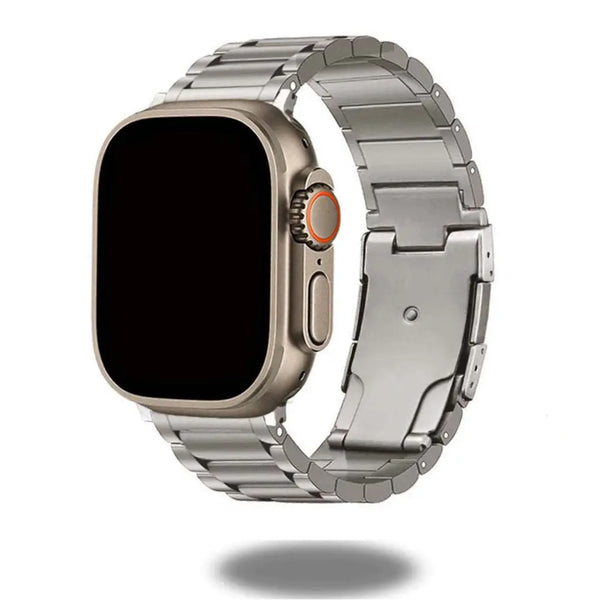
98.9% titanium alloy — lighter than steel, tough as nails. A deployment clasp with double-locking security, and removable links (tool included) for a custom fit. Ultra-worthy luxury.

Glossy Titanium Bracelet
High-polish titanium with a hidden folding buckle and double-button safety clasp. Remove links in minutes with the included tool. Fits 140–220mm and mirrors the Ultra titanium case.

Business Titanium Bracelet
Premium-grade titanium built for the boardroom. Slide-on design with an adjustable fit and removable links (tool included) so it sits perfectly on 5.5"–8.3" wrists all day.

Slim Metal Bracelet
A streamlined stainless steel band with a brushed-and-polished finish. A secure folding buckle plus 6 removable links (tool included) let you shape a delicate, feminine fit.

Luxury Cuban Bracelet + Case
A chunky 316-steel Cuban chain that turns your watch into jewelry — and it ships with a protective PC case + screen glass. 6 folding clasps let you remove links by hand, no tool needed.
Shop by collection
Prefer to shop by style or wearer? Jump straight into a curated collection below — every band is designed to fit and adjust beautifully.
Resizing dos & don'ts (keep your band perfect)
A few simple habits keep your resized band comfortable and long-lasting:

Curious whether one band truly fits everyone? Our myth-busting explainer are Apple Watch bands one size fits all clears up the confusion around sizing and compatibility.
📚 Keep reading — helpful sizing & fit guides
Frequently asked questions
Can all Apple Watch bands be resized?
Nearly all can be adjusted or resized. Metal link bracelets resize by removing links with a pin tool; leather and silicone straps adjust via buckle holes; loops adjust with hook-and-loop, sliders or magnets; and stretch bands are "sized" by choosing the correct size. The method depends on the band type, not the watch model.
How do you resize a metal Apple Watch band at home?
Use the included link-adjustment tool to push out the pins in the direction of the small arrows, remove links evenly from both sides of the clasp, then press the pins back in until they click. Remove one link at a time and test the fit — you want room for one finger.
How do I adjust an Apple Watch band without a tool?
Leather and silicone straps adjust by moving the buckle pin to a different hole. Sport Loops use hook-and-loop, Milanese loops slide on a magnetic clasp, and jewelry bands like the Dizza or Cuban bracelet detach folding links by hand. None of these require any tool.
Can Apple Watch bands be resized on Series 7, 8, 9, SE or Ultra 3?
Yes — resizing works identically across every model because you're adjusting the band, not the case. Just make sure the band matches your case width (38/40/41/42mm or 44/45/46/49mm) before you buy.
Do TrendyStraps metal bands come with a resizing tool?
Yes. Our Classic Stainless Steel Strap, Titanium Link Bracelet, Glossy Titanium, Business Titanium and Slim Metal Bracelet all include a link-adjustment tool, so you can resize at home with nothing extra to buy.
What if my band is still too loose at the tightest setting?
You likely need a smaller size or a different closure. Stretch bands, Solo Loops and infinitely-adjustable Sport/Alpine loops offer the widest tightening range. Small-wrist wearers should look at slim and jewelry styles designed for 5.5" and up.
Can I resize a stretchy or Solo Loop band?
Not physically — these have no clasp. Instead you choose the correct size using a measuring guide, and the band stretches to slip on and off. If your wrist changes, simply switch to the neighboring size.
Find your perfect fit today

Whatever your wrist or watch, there's an adjustable, resizable band waiting for you — with fast shipping and a 4.7★ rating from 4,800+ happy customers.
Browse All Apple Watch Bands →Apple® and Apple Watch® are trademarks of Apple Inc. TrendyStraps sells third-party bands and accessories compatible with Apple Watch and is not affiliated with Apple Inc.