
How Tight Should an Apple Watch Band Be? | Fit & Comfort Guide 2026
How Tight Should an Apple Watch Band Be? Complete Fit & Comfort Guide
Everything you need to know about proper Apple Watch band tightness — for comfort, health tracking accuracy, and all-day wear.
You've just strapped on your Apple Watch and you're wondering: is this too tight? Too loose? Is it sitting right? You're not alone. Band tightness is one of the most overlooked details in Apple Watch ownership — yet it directly affects everything from your heart rate readings to how comfortable you feel wearing it for 16 hours a day.
Shop for All Apple Watch Bands

Whether you're a new Apple Watch owner, upgrading your band, or trying to optimize for workouts and sleep tracking, getting the fit right matters more than most people realise. This guide covers everything: the simple finger test, signs your band is too tight or too loose, how sensors are affected, and how to adjust every type of band correctly.
Your Apple Watch band should be snug but comfortable — tight enough that the sensors maintain consistent skin contact, but loose enough that you can slide one fingertip underneath the band. You should not feel pinching, numbness, or see deep indentation marks after wearing it. The watchface should sit flat against your wrist without rotating freely.
- Why Apple Watch Band Fit Actually Matters
- How Tight Should Your Apple Watch Be? (The Perfect Fit)
- The Two Finger Test: Simplest Method
- Signs Your Apple Watch Band Is Too Tight
- Signs Your Apple Watch Band Is Too Loose
- How Apple Watch Sensors Work With Proper Fit
- How to Adjust Your Apple Watch Band Properly
- Best Apple Watch Bands for Different Wrist Sizes
- Common Apple Watch Band Fit Mistakes
- Expert Tips for Apple Watch Comfort
- Frequently Asked Questions
Why Apple Watch Band Fit Actually Matters
Most people think band fit is purely a comfort issue — but it's much more than that. Your Apple Watch is a precision health and fitness device. The way the band sits on your wrist directly affects how accurately it can measure your body's signals.

The optical sensors on the back of your Apple Watch use photoplethysmography — essentially shining green LED light into your skin to detect blood flow changes. For this to work reliably, the sensors need consistent, close contact with your skin. Too much movement and the readings become noisy. Too much pressure and you're compressing the very blood vessels the sensors are trying to read.
Beyond health tracking, proper Apple Watch fit affects:
- 🫀 Heart rate accuracy — consistent sensor contact is essential
- 🩸 Blood oxygen (SpO2) readings — loose bands cause false readings
- 🏃 Workout tracking reliability — movement during exercise causes data gaps
- 😴 Sleep tracking precision — the watch must stay in position all night
- 🩺 ECG functionality — requires a stable connection
- 💪 Comfort during daily wear — you'll wear this for 10–16 hours a day
Loose vs Proper vs Too Tight: A Quick Comparison

| Fit Type | Sensor Accuracy | Comfort | Health Risks | Verdict |
|---|---|---|---|---|
| Too Loose | ❌ Poor — gaps cause errors | ⚠️ Slides around | None directly | Avoid |
| Perfect Fit ✅ | ✅ Excellent | ✅ All-day comfort | None | Ideal |
| Too Tight | ⚠️ Compressed — inaccurate | ❌ Pain, numbness | Circulation issues, skin irritation | Avoid |
| Exercise Fit | ✅ Very good | ✅ Secure | None (short-term) | Recommended during workouts |
Apple specifically recommends wearing your watch with "a snug fit that's not too tight." For workouts, Apple suggests moving the band one hole tighter to reduce movement — then loosening it after exercise to let your skin breathe.
How Tight Should Your Apple Watch Be? The Perfect Fit Explained
The golden rule of Apple Watch band sizing is: snug, not suffocating. Your watch should sit flat on your wrist, feel secure when you move your arm, and never cause any discomfort after a few hours of wear.

Here's what the correct Apple Watch band fit feels like in practice:
- ✅ You can slide one fingertip underneath the band without forcing it
- ✅ The watchface does not rotate or slide to the side of your wrist during normal movement
- ✅ The sensors on the back maintain consistent skin contact — no visible gaps
- ✅ After removing the watch, any marks on your skin fade within 10 minutes
- ✅ You can wear it all day without discomfort, including after meals when wrists can swell
- ✅ The band feels slightly more secure during exercise — it's acceptable to tighten one notch for workouts
- ✅ When you raise your wrist to check the time, the watch stays in position
Your wrists naturally swell slightly throughout the day — especially after meals, during hot weather, or during exercise. A band that feels perfect in the morning may feel tight by afternoon. Leave yourself that fingertip of space to accommodate natural changes in wrist size.
The Difference Between Daily Wear and Exercise Fit
For daily wear, the snug-with-one-finger-gap rule applies. For workout tracking, Apple's own guidelines suggest tightening the band slightly — about one adjustment hole — to reduce movement and improve sensor contact during high-intensity activity. Just remember to loosen it again afterwards so your skin can breathe.
The Two Finger Test: The Simplest Way to Check Your Fit
The Apple Watch band tightness test most experts and Apple itself recommends is simple, takes five seconds, and works on any band type. Here's how to do it:

The Single Finger Test
This is the most widely recommended method for checking proper Apple Watch band tightness.
Put on your Apple Watch and fasten the band to your usual tightness
Try to slide your index fingertip underneath the band on the top of your wrist
It should slide in with mild resistance — not easily, not impossible
Check the sensors touch your skin. Move your wrist — does the watch stay still?
What Your Test Results Mean
| Test Result | What It Means | What To Do |
|---|---|---|
| Finger slides in easily with lots of room | Too loose | Tighten by 1–2 holes |
| Finger slides in with mild resistance | Perfect ✅ | No adjustment needed |
| Finger barely fits, feels tight | Borderline — probably OK for exercise only | Loosen for daily/sleep wear |
| Finger cannot fit at all | Too tight — must loosen | Loosen immediately |
Perform the finger test both in the morning (when wrists are at their slimmest) and in the afternoon or after a workout (when they can be slightly swollen). Your band should pass comfortably at both times.
Signs Your Apple Watch Band Is Too Tight
Knowing the symptoms of an Apple Watch band that's too tight is important — not just for comfort, but for your health. Prolonged over-tightening can cause real skin and circulation issues.

Deep Pressure Marks
If red indentation marks remain on your skin more than 20–30 minutes after removing the watch, the band is too tight.
Numbness or Tingling
Tingling or numbness in your wrist, hand, or fingers is a clear sign of nerve or circulation compression. Remove immediately.
Skin Irritation & Redness
Redness, chafing, or a rash under the band suggests excessive friction and pressure. This can worsen if the band traps sweat.
Sweat Buildup
A band that's too tight prevents airflow, trapping sweat and heat under the device. This leads to skin irritation and discomfort.
Discomfort After 1–2 Hours
If you find yourself wanting to take the watch off within a couple of hours of putting it on, the fit is likely too tight.
Inaccurate Heart Rate Readings
Counter-intuitively, a band that's too tight compresses blood vessels and can result in high or erratic heart rate readings.
If you experience persistent numbness, severe discoloration of your skin, or pain that doesn't subside after removing the band, consult a doctor. Repeated over-tightening can cause a condition known as contact dermatitis or pressure neuropathy over time.
Is It Bad to Sleep With Your Apple Watch Too Tight?
Yes — especially for sleep tracking. When you sleep, your wrist is often bent at angles that already put pressure on blood vessels. A band that's too tight for nighttime wear can cause morning numbness, skin irritation, and disrupted circulation during your sleep cycle. If you use sleep tracking, wear the band comfortably snug — not tighter than your daytime fit.
Signs Your Apple Watch Band Is Too Loose
An overly loose band is the most common reason Apple Watch health and fitness data becomes unreliable. Here's how to know if your Apple Watch band fit for exercise or daily wear is too relaxed:

- ⚠️ The watch rotates or slides to the underside of your wrist during normal arm movement
- ⚠️ You receive a "Move your Apple Watch for a better reading" notification frequently
- ⚠️ Your heart rate readings are inconsistent — jumping around dramatically without explanation
- ⚠️ Your sleep tracking shows gaps or errors overnight
- ⚠️ The watch clunks or bounces against your wrist during running or intense movement
- ⚠️ Your blood oxygen readings fail or return error messages repeatedly
- ⚠️ The watch does not wake consistently when you raise your wrist
During workouts — particularly running, cycling, or HIIT — a loose band causes significant movement artifacts in your sensor data. This leads to inflated calorie counts, missed active minutes, and unreliable heart rate zone data. If your fitness data seems "off," check your band tightness first.
How Apple Watch Sensors Work With Proper Band Tightness
Understanding how the sensors function helps explain exactly why apple watch heart rate accuracy and band tightness are so directly linked.

Heart Rate Sensor (PPG)
Green LEDs flash hundreds of times per second against your skin. Blood absorbs green light — the amount absorbed fluctuates with each heartbeat. Any movement between the sensor and skin introduces "noise" into this signal, causing inaccurate readings. A snug fit keeps the sensor still.
Blood Oxygen (SpO2)
Uses red and infrared LEDs to measure how much oxygen is in your blood. This sensor is highly sensitive to movement. Even small gaps between the sensor cluster and your skin result in failed measurements. This is why the Apple Watch tells you to remain still during SpO2 readings.
ECG / Electrical Heart Sensor
The ECG app requires the digital crown to complete an electrical circuit through your body. The back electrodes must maintain firm contact with your wrist. A loose band means the back sensors lose contact intermittently, producing inconclusive ECG readings.
Wrist Temperature Sensor
Available on newer models, the temperature sensor needs consistent skin contact to establish a baseline and detect meaningful deviations. A band that shifts position overnight makes overnight temperature readings unreliable.
All of Apple Watch's biometric sensors share one critical requirement: consistent, unbroken contact with the skin. The correct band tightness creates the stable interface those sensors depend on. This is why Apple Watch band comfort tips always start with fit — everything else flows from that.
How to Adjust Your Apple Watch Band Properly
Different band types have different adjustment mechanisms. Here's a step-by-step Apple Watch band adjustment guide for the most common styles:

Sport Band
Pin and tuck closure. Use the pin holes to adjust, then tuck the tail through the keeper loop.
Metal Link Band
Use the butterfly clasp slider or the included tool to add/remove links for wrist size.
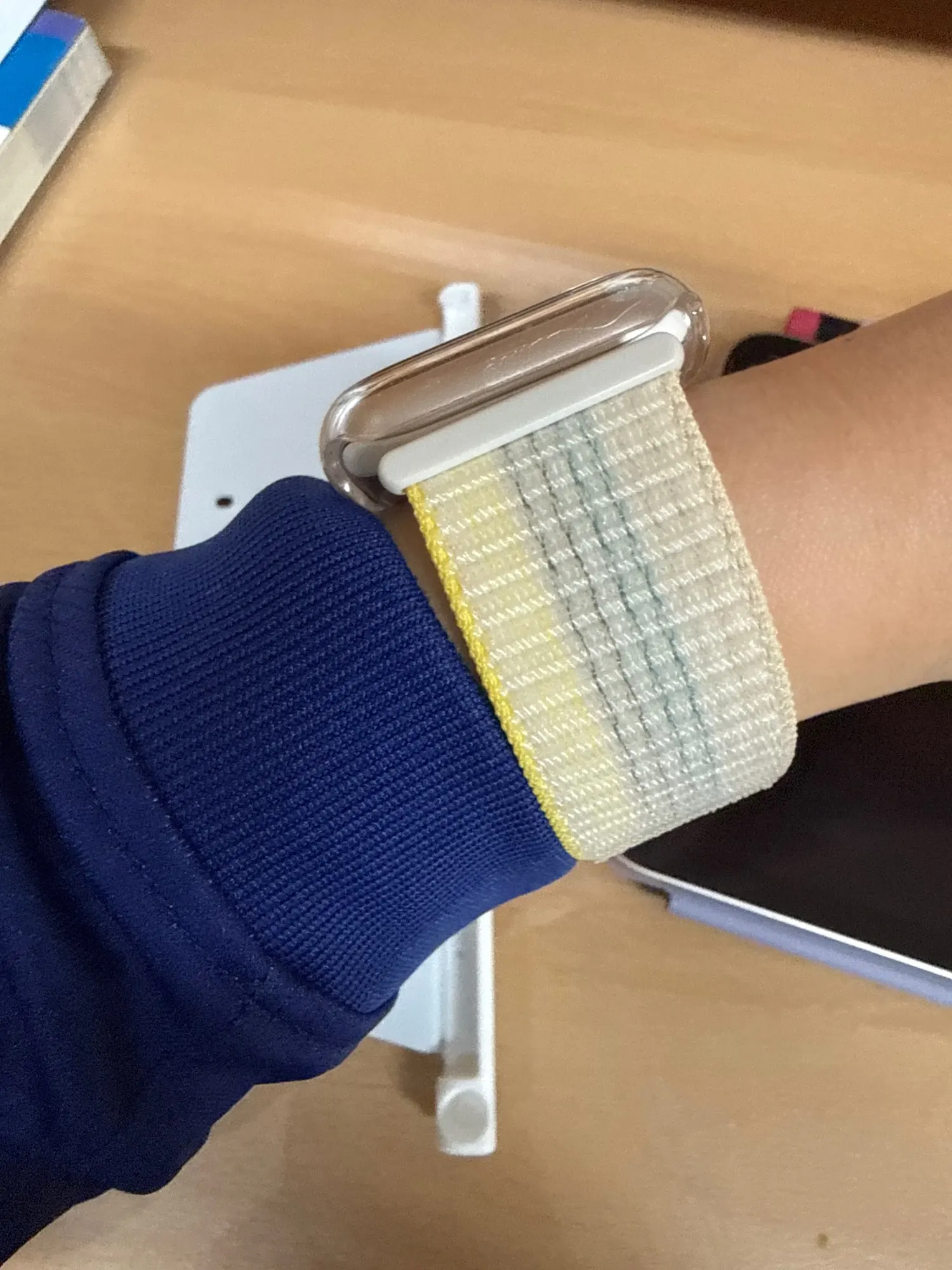
Nylon Loop
Hook-and-loop (Velcro-style) fastening allows infinite micro-adjustments. Very forgiving fit.
Solo Loop / Braided
No clasp — stretches over hand. Choose size based on wrist circumference using Apple's size guide.
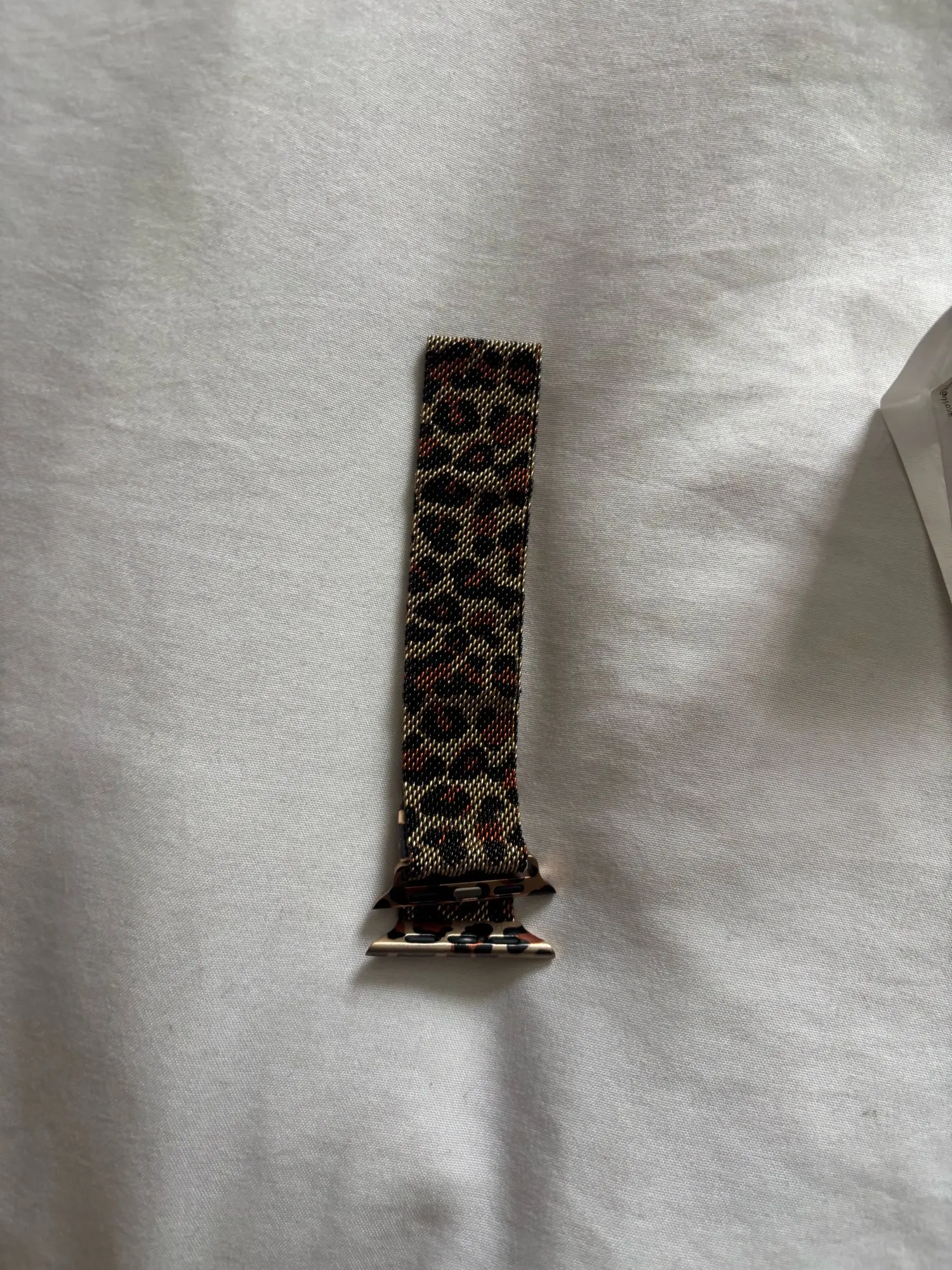
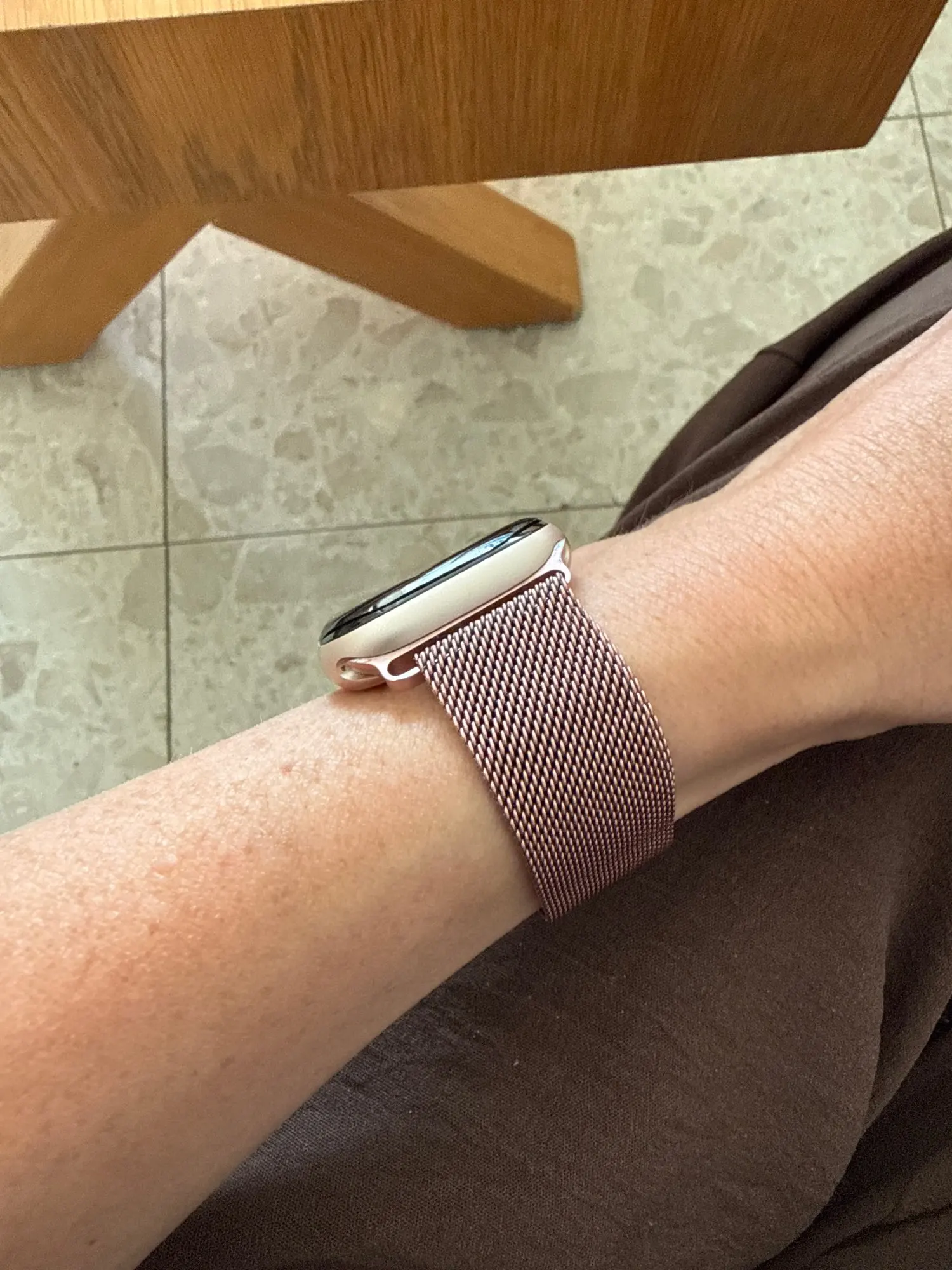
Milanese Loop
Magnetic clasp slides for infinite adjustment. Ideal for people whose wrist size fluctuates.
Step-by-Step: Adjusting a Sport Band (Most Common)
-
1
Remove the Watch
Lay your Apple Watch flat so you can see the band clearly. Locate the pin that feeds through the adjustment holes on the long end of the band.
-
2
Release the Tuck
Slide the short end of the band free from the keeper loop. This gives you access to reposition the pin.
-
3
Reposition the Pin
Press the pin from the underside of the band and slide it to a new hole — one hole tighter or looser depending on your needs. The pin should click firmly into place.
-
4
Put the Watch On and Test
Put the watch on your wrist and perform the single-finger test. Tuck the short end through the keeper loop once you're satisfied with the fit.
-
5
Adjust for Exercise If Needed
For workouts, tighten by one additional hole. After exercise, loosen back to your comfortable daily setting to allow skin to breathe and recover.
If your standard sport band sits between two holes — one too tight, one too loose — it may be time to try a Milanese Loop or a stretchy loop band. These offer infinite micro-adjustment, making them ideal for people whose wrist size doesn't align perfectly with standard pin-hole increments.
Best Apple Watch Bands for Different Wrist Sizes
Apple Watch bands come in two standard lengths: Small/Medium (S/M) and Medium/Large (M/L). Apple Watch Ultra bands also extend to accommodate larger wrists. But knowing your size is just the starting point — band style and material affect how well the fit works in practice.

How to Measure Your Wrist for an Apple Watch Band
Use a soft measuring tape or a strip of paper to measure the circumference of your wrist where you normally wear your watch. As a general guide:
| Wrist Circumference | Recommended Band Size | Notes |
|---|---|---|
| Under 140mm (5.5") | S/M — Small end | Look for bands designed for small wrists; check adjustable range |
| 140mm – 165mm (5.5"–6.5") | S/M fits well | Most common women's size range |
| 165mm – 185mm (6.5"–7.3") | M/L fits well | Most common men's size range |
| 185mm – 210mm (7.3"–8.3") | M/L or Extra Long | May need extended or Ultra-length bands |
| Over 210mm (8.3"+) | Extra Long / Ultra bands | Standard bands won't reach — specifically need XL options |
For detailed guidance on sizing for women, check out the Apple Watch bands for women sizing and style guide — a comprehensive resource covering the best styles for both small and large wrists. If you're specifically wondering about band sizing for women, the what size Apple Watch band for a woman guide walks you through exact measurements and recommendations. For larger wrists, the best extra long Apple Watch bands for big wrists guide covers options that fit up to 8.3" wrists with style.
Browse Bands by Wrist Type
Stretchy Loop Bands
Universal fit for any wrist size. No clasps, no holes — just slip on and go.
Shop Now →Bands for Women
Styled and sized for smaller wrists. Elegant designs, premium materials.
Shop Now →Bands for Men
Built tough and styled sharp. Sport, leather, and metal options available.
Shop Now →Apple Watch Ultra 3 Bands
Wider, longer bands for the Ultra case — built for larger wrists and extreme activities.
Shop Now →Series 11 Bands
Latest compatible bands for Apple Watch Series 11. Fresh styles, perfect fit.
Shop Now →All Apple Watch Bands
Browse the full collection — every style, material, and size in one place.
Shop Now →Common Apple Watch Band Fit Mistakes
Even experienced Apple Watch users make these Apple Watch band sizing mistakes. Knowing what to avoid saves you from poor tracking data, discomfort, and wasted money on bands that don't work for your wrist.

-
Buying the Wrong Band Length Without Measuring First
Don't assume S/M or M/L — measure your wrist circumference in millimetres before buying. The difference of 5mm can mean a band that won't close or one with too much tail hanging loose.
-
Keeping the Same Tightness All Day
Many people set their band once and never adjust it. But wrists change size throughout the day. Consider loosening slightly after lunch or in the evening when swelling is more common.
-
Overtightening for Workouts Without Loosening After
Tightening for exercise is fine — forgetting to loosen afterwards is not. Prolonged over-tightening after a workout traps sweat and heat against your skin, causing irritation and discomfort.
-
Choosing a Band Material That Doesn't Work for Your Use Case
Rubber sport bands are great for exercise but can feel uncomfortable over long hours. Metal link bands look premium but may pull arm hair. Nylon loops breathe well but may stretch over time. Match your band to your primary use case.
-
Ignoring Skin Irritation Signals
Mild redness after wearing a tight band is a warning sign. Continuing to wear an irritating band without adjusting the fit or switching materials can develop into contact dermatitis, which requires medical treatment.
-
Using a Band That Has No Adjustment Range for Your Wrist
Standard bands have a specific adjustment range. If your wrist size falls outside that range (very small or very large), you need a band specifically designed for your size — not a standard one forced to its limits.
Expert Tips for Apple Watch Comfort
Beyond basic fit, these Apple Watch band comfort tips from wearable tech experts can transform your experience from tolerable to genuinely enjoyable all-day wear.

Rotate the position daily. Wear your watch on the same wrist but rotate it slightly each day to let the skin underneath recover from contact pressure.
Clean your band weekly. Sweat and oil buildup under the band causes irritation that can feel like a fit problem. A clean band sits more comfortably at the same tightness.
Air out your wrist. Remove your Apple Watch for at least 30 minutes every day — ideally when charging — to let your skin breathe and recover.
Dry before reapplying after swimming or workouts. Wearing a band over wet skin increases friction and irritation. Pat your wrist dry first.
Re-measure seasonally. Wrist size can fluctuate with weight changes, medications (like steroids), or season. Re-check your band size every 6 months.
Use a dedicated sleep band. Consider a softer, more breathable band specifically for overnight wear. Many users keep a nylon or stretchy loop band for sleep tracking.
If you want the lowest-maintenance fit solution, a stretchy loop band is the answer. It adapts to your wrist size throughout the day, accommodating natural fluctuations without any manual adjustments. No holes, no clasps, no overthinking.
Frequently Asked Questions
Clear answers to the most common questions about Apple Watch band tightness and fit.

Helpful Guides From Our Blog

The Right Fit Changes Everything
Apple Watch band tightness isn't just a comfort preference — it's the foundation of everything your watch does. The right fit means accurate health data, reliable workout tracking, comfortable all-day wear, and better sleep insights. Too tight or too loose, and you're leaving the best of your device untapped.

The single-finger rule is your starting point. From there, adjust for your activity, your wrist size, and your comfort. And if your current band doesn't offer enough adjustment range — it might be time to try something new.
Explore Stretchy Bands — Perfect Fit, Every Wrist →